
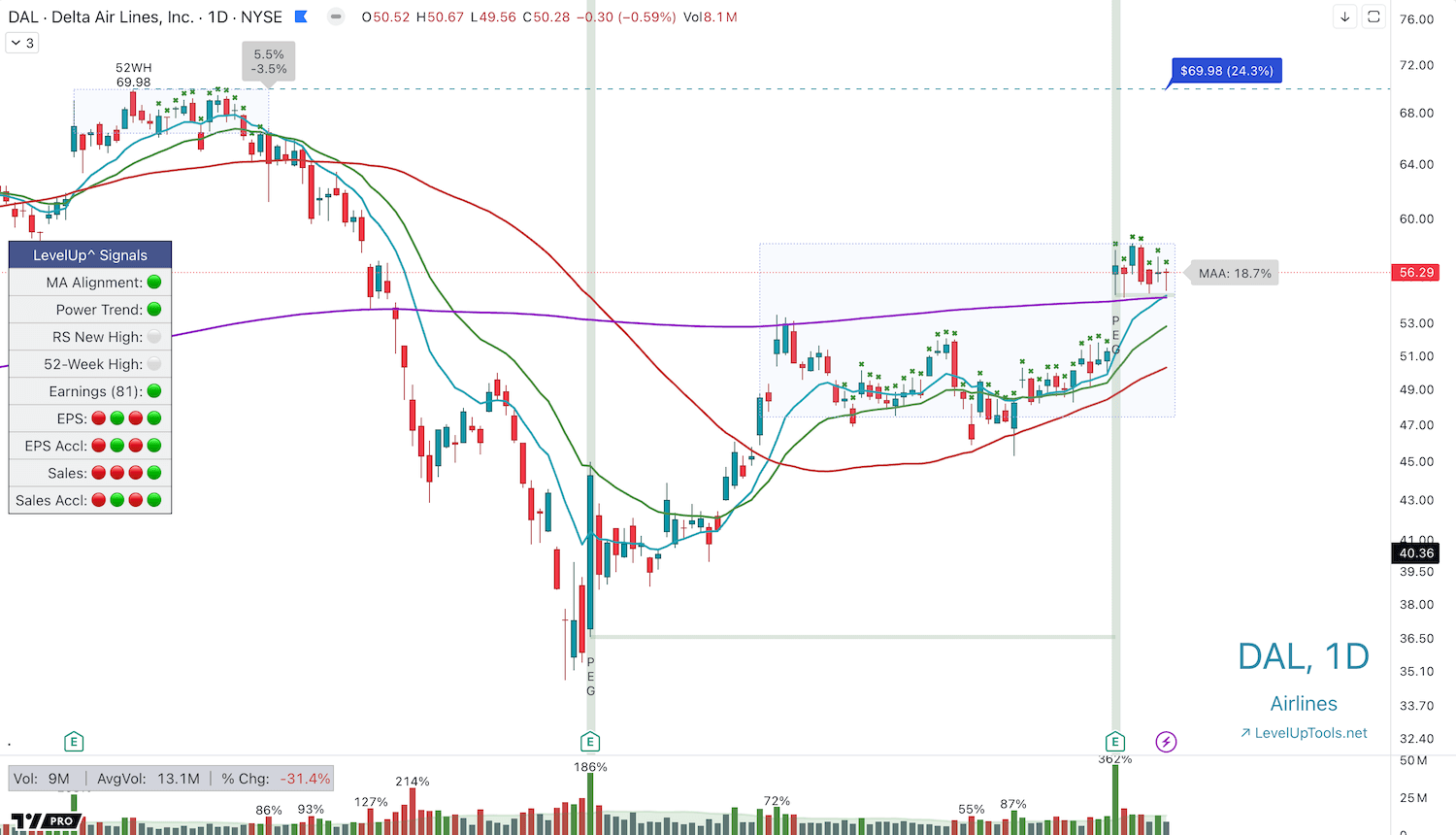
Explore how to effectively use the Power Earnings Gap Screener in TradingView to capitalize on strong earnings reports. This tool highlights significant earnings gaps with high trading volume, offering advanced insights for traders. A Power Earnings Gap occurs when a company’s earnings report surpasses expectations, leading to a notable price jump—typically eight to ten percent or more—and high trading volume. These gaps indicate institutional participation and often involve price breakouts to new highs and positive earnings surprises.
Setting Up the Screener
Begin by accessing the Indicators in TradingView, selecting the Power Earnings Gap Screener. Add it to your favorites. Choose a watchlist, such as the S&P 500, and configure the settings for optimal results. Search historically from one to 90 days, set your preferred minimum price gap, a minimum volume % change, and opt for at least a 1% positive earnings surprise.
Running the Scan and Analyzing Results
After setup, activate the screener and run the scan. You’ll get a list of symbols meeting your criteria. Organize these by flagging them for easier analysis. Review how previous gaps influenced price trends, such as stocks continuing upward or finding support at previous lows.
Conclusion
The Power Earnings Gap Screener is an excellent tool for identifying promising trading opportunities through earnings data. Try adjusting the settings to discover potential breakout stocks. Happy trading!